
Standalone Bookmark Manager

All-in-one bookmark manager

Send a link the way you already send messages — a WhatsApp, a forwarded mail, a share sheet. Favourl catches it, reads the page and files it in your profile. You never open the app to save.

Try it for free
  • No account needed
  • Works offline
  • Export anytime

It starts with a message

You never open the app to save

Saving has to cost nothing or it stops happening. So two of the three ways into Favourl do not involve Favourl at all — you forward a mail, or send a WhatsApp, exactly as you already do.

Favourl is on the other end. It takes the message, reads whatever you sent for its title, description and preview, and files it in your profile. By the time you next open the app, it is already there.

WhatsApp

Send the link to Favourl like you would to a friend.

Verify your number once. After that, anything you forward on WhatsApp reaches Favourl and is saved — including the links friends send you, and the ones you send to your own chat and never open again.

Email

Forward the newsletter instead of leaving it unread.

Verify your address, then forward any mail to Favourl and the links inside it are saved. This is where most people's reading actually piles up, and it is the one place a bookmark button never reaches.

Share sheet

From any app that has a share button.

Instagram, YouTube, Chrome, your notes app. Pick Favourl and it is saved before the sheet finishes closing — no app switch, no folder prompt, no decision.

So it lands there without you doing a thing. But a link is just a link. What does it turn into?

What it becomes

It arrives as a link. It lands as something you can use.

Read for its title, description and preview, then filed — so the thing you forwarded in two seconds is still recognisable next semester.

01 — Capture

Everything you saved, in one library

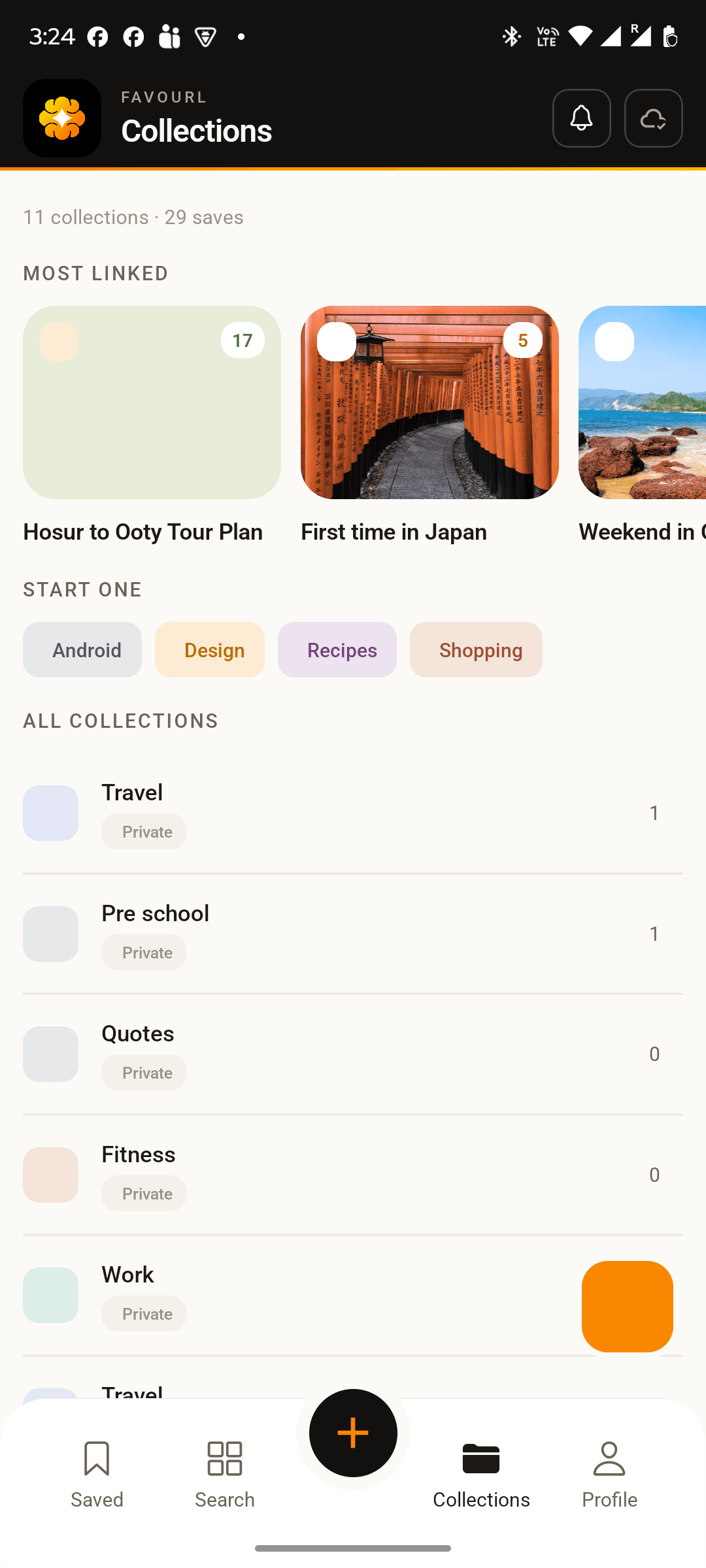
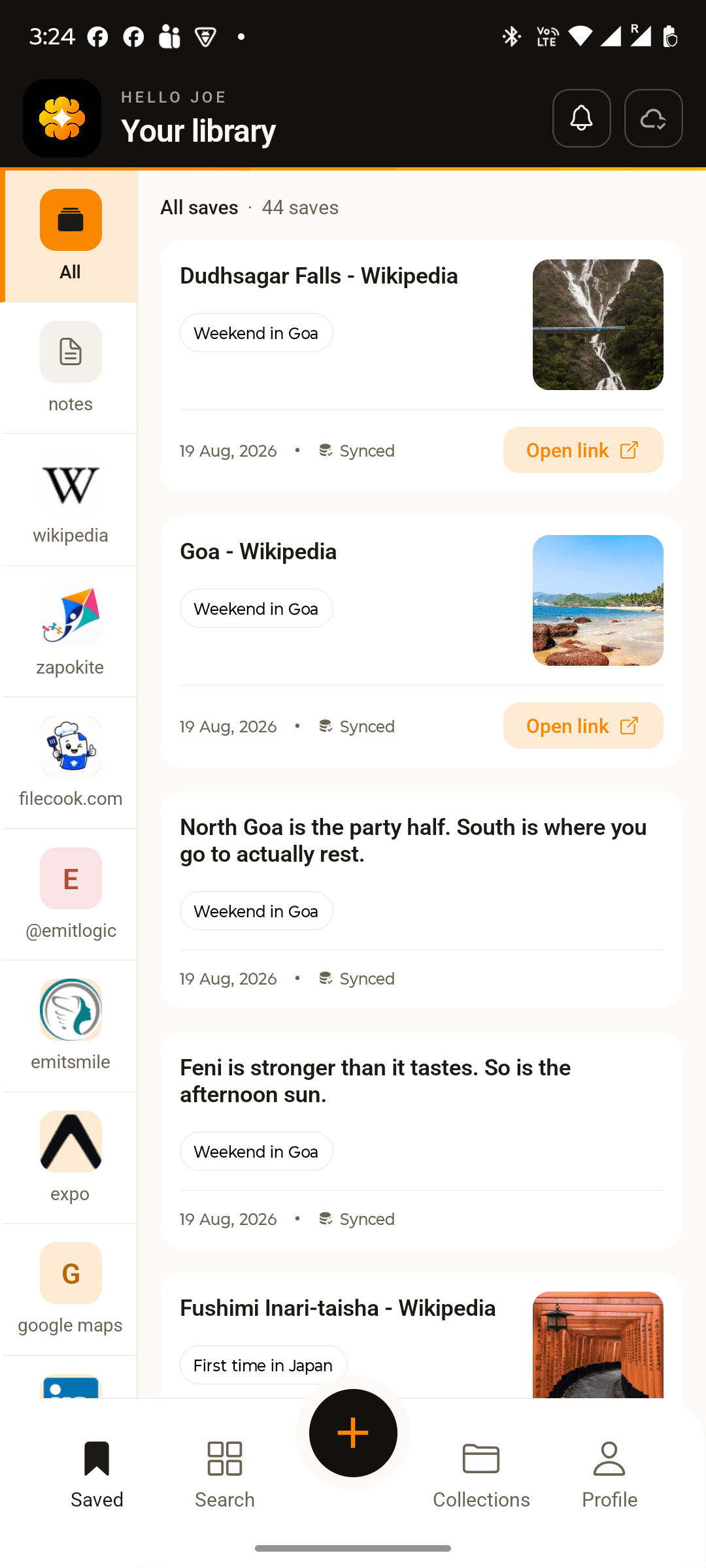
Links from any app land in the same library — the reel, the past paper, the internship post, the recipe. Title, preview and source already fetched. Nothing to file at save time.

02 — Organise

Folders that hold their shape

Group what belongs together, nest folders as deep as you need, and order them by hand. A folder can be a sequence — a subject, a trip, a plan — not just a bag you throw things in.

03 — Find

Search what it was about

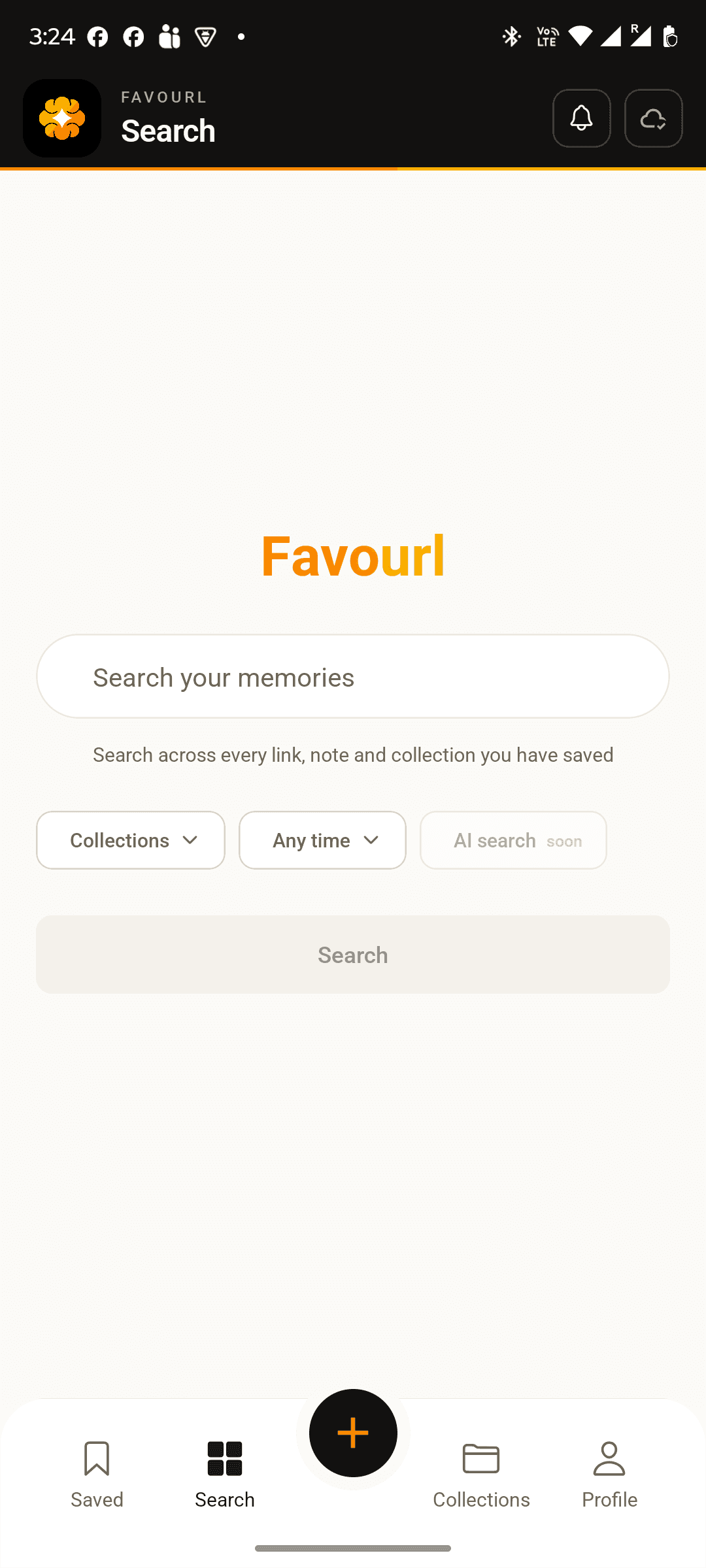
Titles, notes and sources are all searchable, so you find things by what you actually remember — “the one about interest” — rather than the exact words in a headline.

04 — Own

Yours, and portable

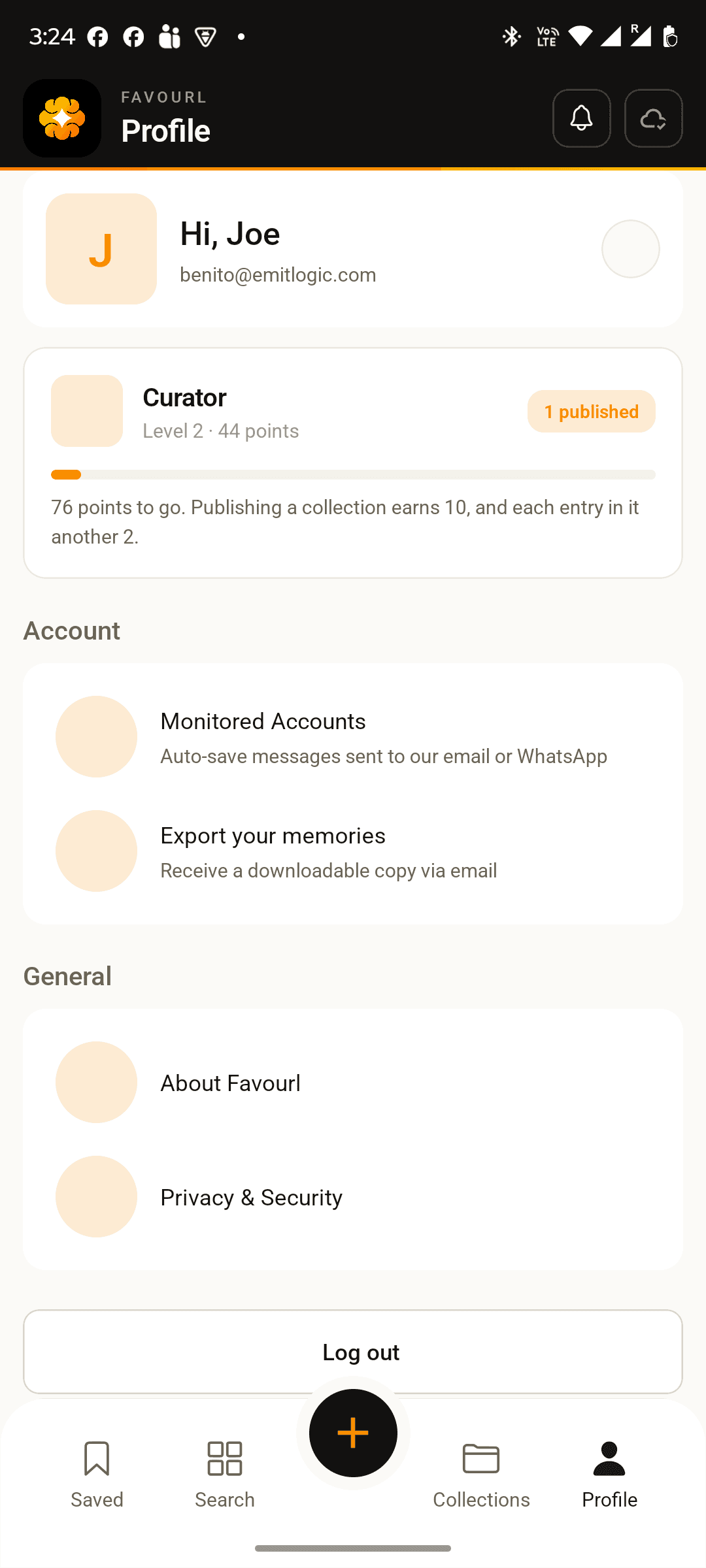
Works offline because it lives on your device first — hostel wifi, the metro, a basement lab. Export the whole library whenever you like, in the format every browser reads.

Favourl app — Everything you saved, in one libraryFavourl app — Folders that hold their shapeFavourl app — Search what it was aboutFavourl app — Yours, and portable

One tap, and it is kept

No folder prompt, no tag picker, no decision. That is the whole reason it keeps happening.

That is one link. Now picture forty of them, in the right order.

What you end up with

A collection is a plan, not a pile

Not a folder of links. Something with an order, that gets you through the week, and that you can hand to someone else whole.

SemesterPublic link

The subject you have to pass

Forty tabs at 1am, put in the order that makes sense.

  1. 1

    youtube.com

    The 12-minute explainer

    Watch this one first.

  2. 2

    drive.google.com

    Slides, weeks 1–6

    40 to 52 keep turning up in papers.

  3. 3

    university.edu

    Past papers, last 5 years

    Do 2022 first.

  4. 4

    notion.so

    Priya’s summary notes

    Shared in the group back in March.

Placement seasonPublic link

Placement season, without the panic

Every listing, deadline and prep link in one place.

  1. 1

    linkedin.com

    Referral post — closes 14 Sep

    Message Sam first. They offered.

  2. 2

    careers.company.com

    Off-campus application

    Form asks for your GPA.

  3. 3

    leetcode.com

    The 75 that actually repeat

    One a day from August.

  4. 4

    docs.google.com

    Resume template that worked

    One page, no photo.

A tripCollaborative

A trip everyone going can use

One person plans it. Everyone else gets it in a tap.

  1. 1

    maps.google.com

    Meeting point — the north car park

    Leave by 6am or sit in traffic.

  2. 2

    nationalpark.org

    Park gate times

    Closed 9pm–6am. Plan around it.

  3. 3

    booking.com

    The stay — 2 nights

    Cheaper one town over, 20 minutes out.

  4. 4

    weather.com

    Mountain forecast

    Check the night before. Fog costs you the morning.

FamilyPrivate

Where everyone lives

The addresses you need twice a year and never remember.

  1. 1

    maps.google.com

    Mum’s place

    Second gate, not the first.

  2. 2

    maps.google.com

    Uncle Ray’s

    Blue house past the church.

  3. 3

    maps.google.com

    Airport pickup

    Gate 3, not the taxi rank.

  4. 4

    maps.google.com

    Nearest hospital

    The one that is open at night.

How sharing works today

Publish a collection and it becomes one link anyone can open and import. Their copy is theirs to change; yours stays yours. Two people editing the same collection at once is not available yet.

Read collections people have published →

None of it works unless finding things is instant. So here is the whole loop, in three steps.

Find it again

Bookmark smarter

No setup, no system to learn, nothing to tidy on Sunday. Three steps, and two of them happen without you.

01

Send it, in one tap

Share sheet, WhatsApp, or forward the mail. Nothing asks you which folder — that question is exactly what makes people stop saving links in the first place.

02

Favourl reads the page

Title, description, preview and source get stored beside the URL, so “https://…/a3f9” becomes something you actually recognise in week nine.

03

Find it the night before

Search covers titles, notes and sources, so you look for what it was about — “that pizza one”, “the past paper” — not the exact words in a headline you never read.

That is the whole thing, free, today. Here is the part we are still building.

What happens after you save →
Favi — a small orange spark carrying a pocket full of saved pages
Meet Favi

Activate Favi

Your assistant inside FavourlKeeps the page, not just the link.

Favi is a spark with a pocket. Switch him on and he stops treating your links as addresses and starts treating them as things worth keeping — reading each page on the way in, carrying it offline, and remembering what was in it long after you have forgotten why you saved it.

Without him, Favourl remembers where a page was. With him, you keep the page — a readable copy that opens with no signal, understood before you ever tap it, and answerable months later.

Activate Favi
Favi holding a captured page with a star on it
Capture

Keeps the page, so you can read it offline

Favi takes a readable copy of the page itself — text and images, stripped of the pop-ups and the cookie wall — and stores it beside the bookmark. On a plane, on a train, on a dead signal in a basement lab, it opens.

A bookmark points at a page. It does not survive the page being paywalled, rewritten or taken down — and roughly one link in ten eventually is.

Favi sitting and reading a book, with a speech bubble
Understand

Reads the page on the way in

Favi works out what the page actually says, not just what its title claims: the gist in a few lines, the points worth keeping, and the subject it belongs with. That arrives attached to the entry, before you ever open it.

Half of what people save is never opened. A saved page you can judge in five seconds is a saved page you might act on.

Favi holding up a magnifying glass
Answer

Finds you the bit you needed

Ask across everything you have saved and get the answer with the sources under it — which of your four visa pages mentions the fee, what the recipe said about resting the dough, what you already have on a subject before you go looking for more.

Search finds documents. By the time a library is a few hundred pages deep, the thing you want is a sentence inside one of them.

Saving, folders, search, sync and export stay free. Favi adds to that; nothing you have today moves behind him.

Free or not, it is only useful if it is with you. It is — on everything you own.

Wherever you are

Your bookmarks always available.

Download Favourl

Android

Phones and tablets

iPhone & iPad

iOS 15 and later

Web

Any modern browser

Offline

On-device first

The most powerful bookmark manager you will actually use

Power is worth nothing if saving takes effort. Favourl keeps the capture to one tap and puts everything else behind it.